
10 Best Small Business Accounting Software UK (2026 Comparison)
Last Updated on
Choosing the best small business accounting software in the UK requires balancing HMRC compliance, ease of use, and subscription costs. As of 2026, the ideal platform must offer native Making Tax Digital compliance, automated Open Banking feeds, and digital receipt scanning to eliminate manual data entry.
Selecting the right tool ensures precise financial reporting, seamless self-assessment forecasting, and structured payroll management for growing teams.
Knowing the core traits of what is Enterprise operations can also help you determine the exact scale of accounting functionality your venture needs.
Top 10 Accounting Software for Small Business Operations in the UK
| Software Platform | Starting Price (GBP/month) | Free Tier Availability | Native Payroll Add-on | Best Suited For |
| Xero | £16.00 + VAT | No (30-day trial) | Yes (£8.50/mo base + £1.50/ee) | Expanding teams & app ecosystems |
| QuickBooks | £11.00 + VAT | No (Intro discounts) | Yes (£4.00/mo base + £1.00/ee) | In-depth reporting & inventory tracking |
| Sage Accounting | £15.00 + VAT | No (Free for 3 months) | Yes (£8.00/mo flat for 5 employees) | Established businesses & payroll security |
| FreeAgent | £21.00 + VAT | Yes (Via partner banks) | Yes (Included for free) | Sole traders & NatWest/RBS clients |
| Zoho Books | £0.00 (Under £35k rev) | Yes (Basic version) | No (Requires third-party app) | Automations & budget-conscious setups |
| FreshBooks | £9.50 + VAT | No (Free trial available) | Yes (Via KeyPay integration) | Client-facing service business owners |
| Clear Books | £13.50 + VAT | No (30-day trial) | Yes (£6.00/mo base + £1.50/ee) | UK contractors dealing with CIS |
| Crunch | £24.50 + VAT | Yes (Basic invoicing) | Yes (Available on higher plans) | Hybrid software + accountant access |
| Wave Accounting | £0.00 (Invoicing only) | Yes (Invoicing tier) | No (US/Canada only) | Micro-businesses wanting free invoicing |
| Tide Accounting | £0.00 (Basic version) | Yes (With Tide account) | Yes (£6.00/mo flat rate) | Brand new startups using Tide banking |
1. Xero
Xero operates as a pure cloud-based platform, celebrated across the UK for its clean interface and an extensive marketplace containing over 1,000 third-party application integrations.
It offers robust double-entry ledger security, automated daily bank reconciliation matchers, and detailed multi-currency management on its premium tiers. The platform makes it simple to collaborate with external accountants by giving them simultaneous, secure logins to view matching financial balances.
-
Pros: Exceptional custom reporting dashboards; seamless inventory tracking; extensive ecosystem connecting CRM and stock tools.
-
Cons: The starter plan restricts the number of monthly invoices heavily; pricing escalates quickly as add-ons are attached.
2. QuickBooks Online
Intuit QuickBooks Online provides a highly customisable accounting engine designed to scale from micro-entities up to mid-sized trading companies.
Its powerful reporting framework allows users to build deep cash flow forecasts, granular profit-and-loss breakdowns by business department, and advanced mileage logs using continuous smartphone GPS tracking.
The integrated AI assistant helps flag duplicate transactions and highlights potential tax deductions before submission windows close.
-
Pros: Highly reliable mobile application; intuitive mileage tracking automation; robust custom reporting widgets.
-
Cons: The user interface can feel dense and corporate for creative freelancers; subscription prices frequently change post-promotion.
3. Sage Accounting
Sage carries a long heritage within the UK corporate landscape, making it a trusted staple for traditional accountants and businesses with established physical payroll requirements.
Sage Accounting delivers a rock-solid, compliant ledger system focused heavily on data accuracy, CIS compliance tracking, and multi-tier product invoicing.
Its standalone payroll software integrates beautifully, ensuring compliance with pension auto-enrolment and real-time RTI reporting requirements.
-
Pros: Deep compliance safety nets; exceptional 24/7 UK-based telephone support; highly secure data architecture.
-
Cons: The dashboard interface feels less agile than modern cloud competitors; setting up customised reports requires a steeper learning curve.
4. FreeAgent
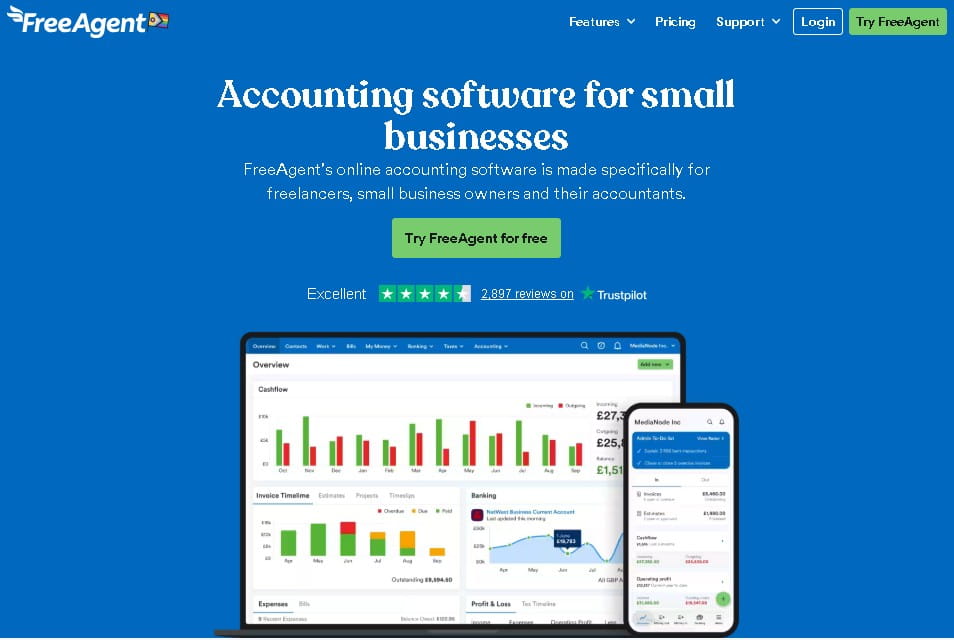
FreeAgent simplifies the complex world of personal and business tax blending. Its unique Tax Timeline dashboard dynamically tracks upcoming Corporation Tax, VAT payments, and Self-Assessment milestones based on real-time transaction coding.
For independent business operators, a major benefit is the pricing policy: the software is completely free for business owners who maintain an active business current account with NatWest, Royal Bank of Scotland, or Mettle.
-
Pros: Completely free for qualifying UK bank customers; automatic generation of the main SA100 tax return forms; very user-friendly.
-
Cons: Not optimised for complex multi-warehouse inventory distribution; limited advanced custom reporting variations.
5. Zoho Books
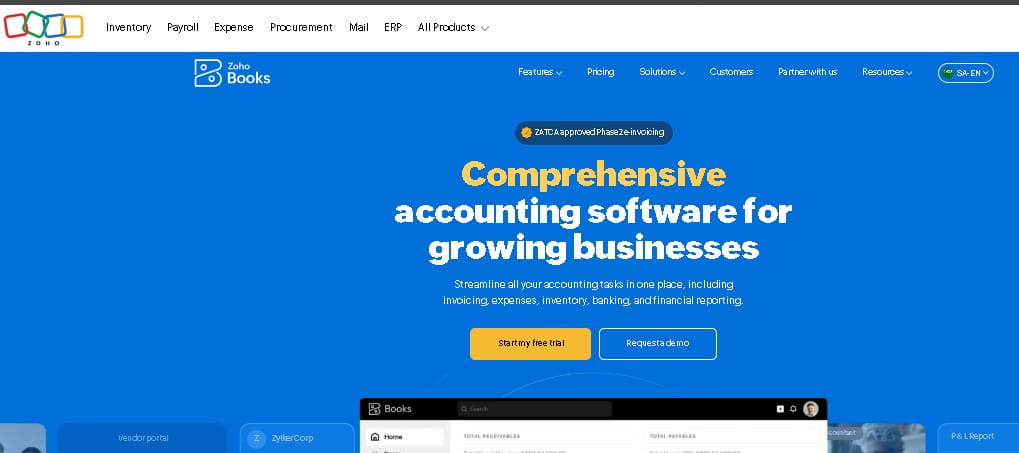
Zoho Books is an incredibly affordable, highly structured platform that punches well above its price tag. It features a generous free tier for businesses generating under £35,000 in annual turnover, making it an excellent launchpad for new micro-ventures.
The platform stands out due to its deep automation engine, allowing owners to write custom rules for invoice follow-ups, client payment communications, and automatic recurring expense categorisations.
-
Pros: Exceptionally competitive pricing tiers; highly flexible workflow automation rules; integrates with the wider Zoho software suite.
-
Cons: Lacks an integrated native UK payroll processing engine; fewer independent UK accountants are natively trained on its interface.
6. FreshBooks
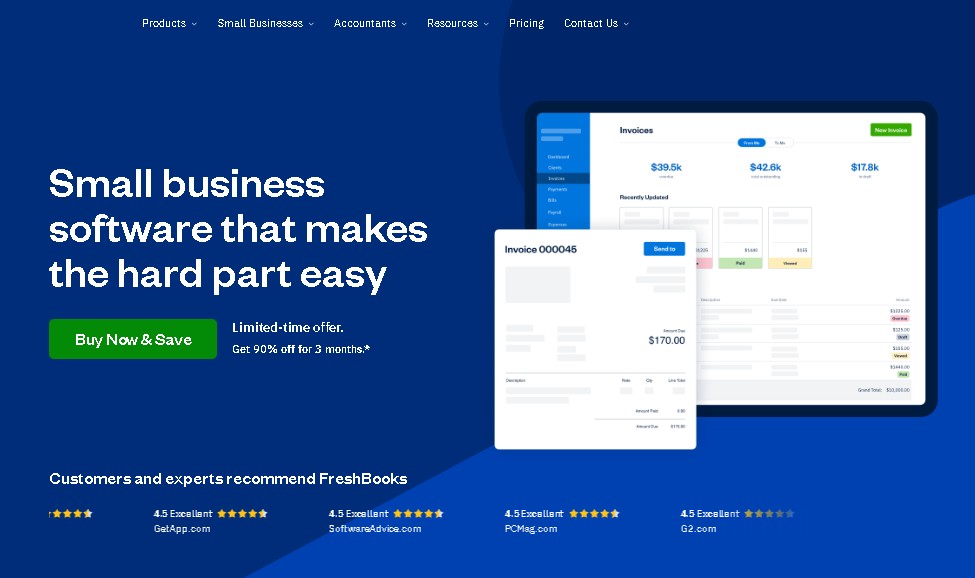
FreshBooks centres its entire design philosophy around time-tracking, project management, and elegant client professional communications.
It is custom-built for design agencies, consultants, and legal professionals who bill clients based on hours worked or fixed project milestones.
The system allows users to track hours directly against a client file, attach trackable project expenses, and automatically convert those elements into an itemised digital invoice.
-
Pros: Outstanding project-specific time tracking tools; professional, customizable invoice aesthetics; smooth client deposit collection loops.
-
Cons: Double-entry accounting features feel like secondary additions; bank feed reconciliation controls can occasionally experience lag.
7. Clear Books
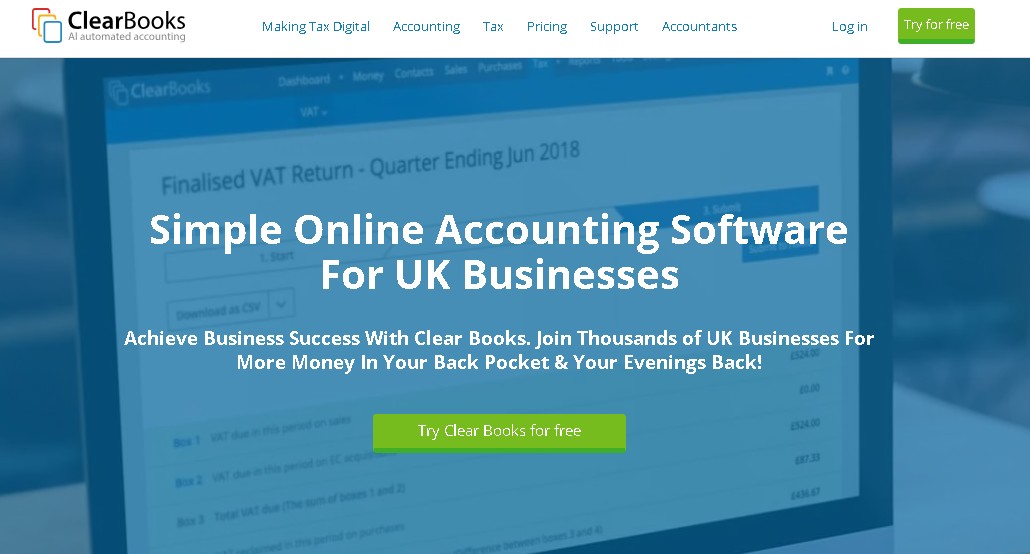
Clear Books is a nimble, UK-specific cloud accounting specialist that prioritises straightforward interfaces without complex jargon. It is explicitly designed to handle the Construction Industry Scheme (CIS) calculations effortlessly, automatically deducting the correct tax amounts for sub-contractors and generating valid monthly statements for HMRC.
Its clear layout makes it highly approachable for business owners who prefer structural simplicity over high-density dashboard layouts.
-
Pros: Excellent automated CIS voucher production; clean, text-light visual interfaces; prompt and helpful UK email customer support.
-
Cons: Limited international multi-currency processing depth; smaller overall third-party plugin ecosystem.
8. Crunch
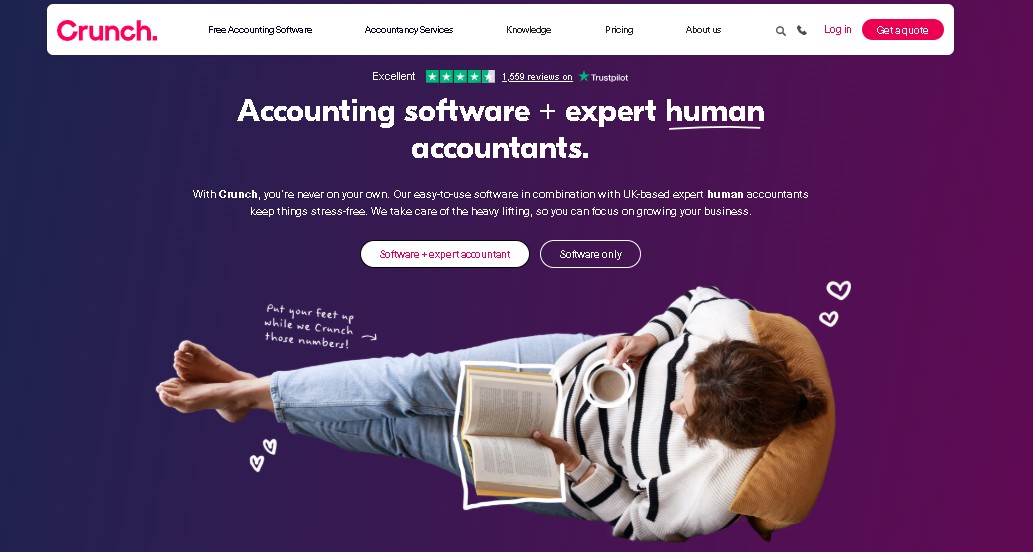
Crunch bridges the gap between software platforms and physical accounting firms by delivering a proprietary cloud system wrapped inside a dedicated professional service package.
Users enter their day-to-day transactions and link bank feeds, while qualified UK chartered certified accountants review the ledger, file year-end accounts, and handle corporate tax filings directly from the back-end system.
-
Pros: Combines cloud software with real-world professional tax advice; peace of mind for limited company compliance; stress-free corporate filing.
-
Cons: Upfront monthly subscription costs are higher than software-only models; less freedom to use external local accountants.
9. Wave Accounting
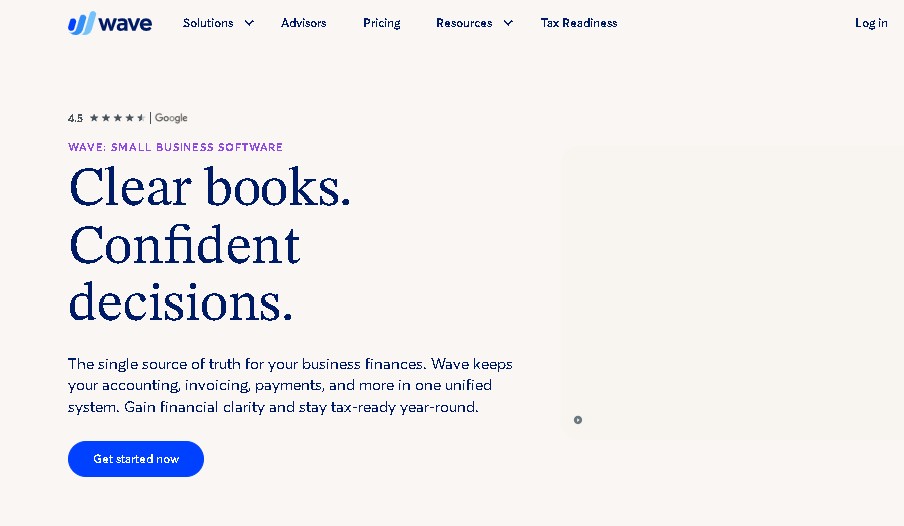
Wave Accounting provides a streamlined, zero-cost cloud invoicing option for micro-businesses that do not require complex tax accounting or payroll add-ons.
While Wave discontinued its automated UK bank feed integrations a few years ago, it remains an excellent choice for manual ledger entries, professional PDF invoice generation, and fundamental income tracking for sole traders working below the UK VAT threshold.
-
Pros: Fully functional invoicing and receipt scanning tools available with zero monthly fees; clean and modern layout.
-
Cons: Requires manual CSV statement uploads due to lack of UK Open Banking links; cannot process complex MTD VAT filings natively.
10. Tide Accounting
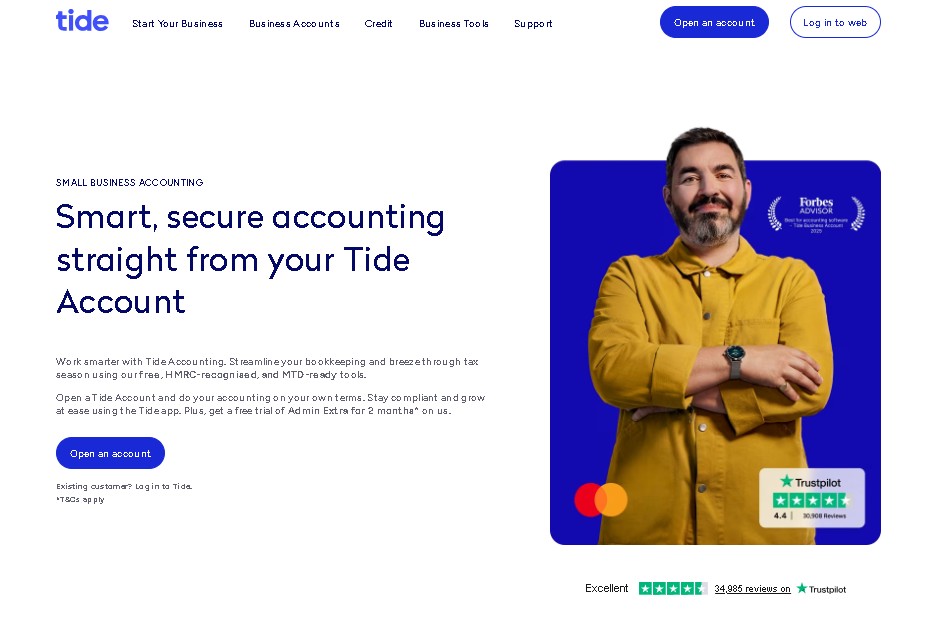
Tide Accounting represents the modern convergence of business banking and automated financial admin. Built directly inside the Tide business banking app interface, it leverages instant transaction data to automatically categorise company expenditure, estimate real-time tax liabilities, and prepare valid VAT returns.
This eliminates the need to maintain separate third-party connections between your financial platform and your operating account.
-
Pros: Zero connection delay since banking and bookkeeping sit on the same core ledger; highly streamlined setup for new startups.
-
Cons: Requires using a Tide business account as your main operational account; lacks the deep custom reporting modules of standalone suites.
What is the Best Accounting Software for a Sole Proprietor or Independent Freelancer?
The best accounting software for a UK sole proprietor or independent freelancer is FreeAgent for automated tax timelines, QuickBooks Self-Employed for smartphone mileage tracking, and Zoho Books for budget-conscious operators.
These specific tools focus entirely on income categorisation and Self-Assessment calculations rather than complex corporate payroll.
When choosing a platform, most sole proprietors require an accessible interface that prevents overpaying National Insurance contributions (NICs) and keeps administrative overhead low. The three top performers for solo operators include:
-
FreeAgent (Best Overall Value): Completely free if you open or maintain an active business current account with NatWest, Royal Bank of Scotland, or Mettle. It automatically builds your progressive SA100 tax return layout as you log expenses throughout the year.
-
QuickBooks Self-Employed (Best for Mobile Trackers): Features a highly rated continuous smartphone GPS mileage tracker that automatically logs trips and calculates allowable vehicular tax deductions.
-
Zoho Books (Best Free Tier): Offers an excellent, robust free tier for micro-businesses generating under £35,000 in annual turnover, making it highly attractive for new freelancers testing the market.
Solo practitioners do not need complex multi-warehouse inventory tracking or multi-tiered corporate payroll systems. Prioritise a dashboard that simplifies mobile receipt capture and displays your real-time tax liability.
What Are the Top Needs for a Registered UK Limited Company?
The best accounting software for a registered UK limited company is Xero for scalable multi-user team control, QuickBooks Advanced for complex forecasting and division reporting, and Sage Accounting Plus for native multi-tier payroll and strict compliance paths. These tools provide the full balance sheet frameworks required for corporate tax filing.
A registered UK limited company operates as a separate legal entity, which comes with much stricter HMRC and Companies House filing duties.
Directors must prepare statutory annual accounts, submit a CT600 Corporation Tax return, track shareholder dividends, and manage multi-user access permissions for their teams.
Why Limited Companies Need Robust Ledgers?
Choosing an underpowered, freelancer-centric tool for a limited company structure leaves directors exposed to critical compliance errors, missing capital allowance tracking, and uncoordinated corporation tax deadlines.
To prevent this, corporate directors must look for systems that excel across three specific pillars:
- Deep Audit Logging Trails: Ensuring every modification, invoice deletion, or bank reconciliation entry is permanently tracked with a user timestamp to remain audit-compliant.
- Double-Entry Balances: Providing actual accounts payable (bills) and receivable (invoices) ledgers that reflect real liability rather than just basic cash flow tracking.
- HMRC & Companies House Synergy: Bridging data effortlessly so your corporate accountant can pull definitive numbers for year-end statutory filings without manual recalculations.
Limited Company Features:
| Corporate Requirement | Xero (Ignite / Grow / Comprehensive) | QuickBooks Online (Plus / Advanced) | Sage Accounting (Standard / Plus) |
| Best For | Expanding multi-user teams and vast third-party software stacks. | Granular department profit tracking and custom forecasting. | High-security corporate data structures and native multi-tier payroll. |
| Custom Permissions | Yes. Tailor unique, role-based views for directors, staff, and accountants. | Yes. Advanced plans feature deep custom role-based permissions. | Yes. Standard and Plus plans allow strict multi-user access rules. |
| Corporate Reporting | Industry-standard balance sheets and customizable cash flow layouts. | Deepest custom report builder with structured spreadsheet syncing. | Excellent, structured compliance reporting with fixed asset capabilities. |
Key Fact: Limited company directors bear personal legal responsibility for filing accurate financial records. Using a platform that natively supports double-entry bookkeeping safeguards your firm against HMRC penalties.
Why You Need Professional Accounting Software to Manage HMRC Compliance?
Accounting software acts as a secure, cloud-based ledger that ensures every financial transaction is recorded and stored to meet current HMRC standards.
By automating data entry via bank feeds, you significantly reduce the risk of human error in your tax filings while gaining real-time visibility into your business’s cash flow
Digital Records and MTD
HMRC’s Making Tax Digital initiative requires most VAT-registered businesses to maintain digital records and submit returns through compatible software.
Using an approved, cloud-based solution is no longer a luxury for modern UK businesses. It has become the fundamental infrastructure for tax compliance.
Making Tax Digital (MTD) is not optional for most VAT-registered businesses. All financial records must be stored digitally and submitted through HMRC-recognised software to avoid potential penalties and ensure your tax filings remain compliant.
Should You Choose Cloud-Based or Desktop Accounting Software?
Choosing cloud-based accounting software is superior to desktop software for modern UK small businesses because it automates compliance.
Cloud platforms handle mandatory Making Tax Digital (MTD) submissions natively via live HMRC API links, whereas traditional desktop systems require manual software patches, complex local backups, and fragmented data sharing to match shifting tax thresholds.
| Feature / Operational Pillar | Cloud-Based Accounting Platforms | Traditional Desktop Software |
| HMRC MTD Compliance | Native, automated API links sync directly with HMRC portals for stress-free digital submissions. | Outdated. Requires manual software updates and patches to match shifting tax thresholds. |
| Accountant & Team Access | Simultaneous multi-user access allows real-time, remote collaboration with external accountants. | Restricted. Requires exporting insecure, static backup files from a single office machine. |
| Data Sync & Mobility | Live, continuous synchronisation across web browsers, tablets, and smartphone apps. | Isolated. Database files are locked locally onto a single hard drive or office server. |
| Maintenance & Security | Automatic background updates for compliance, security patches, and currency rates. | High risk. Demands constant manual installations, introducing data corruption risks. |
The Decline of Traditional Desktop Bookkeeping in the UK
Historically, many corporate companies relied on desktop bookkeeping software installations, valuing local storage security and one-off perpetual software licensing fees.
However, on-premise solutions face significant functional hurdles in the modern regulatory environment.
Because desktop systems store database files locally on a single office hard drive, collaborating with remote team members or sharing live ledger access with an external accountant requires exporting insecure backup files.
Furthermore, keeping desktop systems updated with shifting tax thresholds, emergency government schemes, and mandatory security patches requires constant manual installations, introducing systemic vulnerabilities and data corruption risks.
Why Cloud Accounting Tools Protect Data Continuity?
Cloud accounting platforms mean absolute data continuity for small businesses by replacing local hard drive risks with secure, remote cloud storage.
Financial data syncs continuously across all web browsers, tablets, and smartphone applications, allowing field teams to generate client invoices instantly while the back-office credit control team views the matching ledger balance in real time.
Most importantly, cloud platforms facilitate seamless financial transparency.
External accountants can log into the live corporate ecosystem at any time to run proactive tax planning reviews, fix misclassified transaction codes, and submit verified statutory data directly to HMRC without interrupting daily operations.
What Should You Look for in the Best Small Business Accounting Software?
When evaluating software, prioritise functionality that scales with your business trajectory. The interface should allow for intuitive navigation, as time spent wrestling with complex menus is time taken away from revenue-generating activities.
Most providers offer free trials, which are essential for testing the user experience.
-
Bank Feed Integration: Automatic daily syncing of transactions to eliminate manual entry.
-
MTD Compatibility: Direct API-based submission of VAT returns to HMRC.
-
Scalability: Options to upgrade your plan as you add staff or complex inventory needs.
-
Document Management: Ability to scan receipts via mobile apps for instant expense tracking.
How to Choose the Right Accounting Software Provider?
To choose the right accounting software provider in the UK, calculate your monthly transaction volume, identify specific compliance needs (like CIS or multi-currency), ensure native Open Banking API connectivity, and verify that your external accountant possesses certified proficiency in the platform to avoid high year-end fees.
Choosing a provider requires looking beyond basic pricing. Software that works perfectly for a digital freelancer can create significant administrative blockages for an inventory-heavy retail business.
Evaluate your business against these four core operational pillars before committing to a platform:
-
Corporate Structure and Tax Obligations: Sole traders need lightweight platforms like FreeAgent for self-assessments. Limited Companies require robust balance sheets, corporation tax tools, and payroll functionality found in Xero or QuickBooks.
-
Industry-Specific Modules: Businesses operating within the UK construction sector must prioritise platforms with built-in Construction Industry Scheme (CIS) capabilities to automate contractor deductions and submit monthly statements directly to HMRC.
-
Open Banking Infrastructure: Verify that the provider maintains direct, unbridged API links with your specific UK banking institution (such as Barclays, Lloyds, NatWest, Starling, or Tide) to avoid broken feeds and manual CSV uploads.
-
The Accountant Alignment: Utilising the cloud ledger your accountant specialises in ensures they can seamlessly log in, run adjustments, and submit your year-end corporate filings efficiently without administrative billing overhead.
Steps to Implement Accounting Software Successfully
To move your small business from legacy manual systems or complex spreadsheets over to a cloud accounting platform smoothly, follow this structured deployment process:
-
Perform a clean data audit: Export your existing customer records, active supplier directories, and product inventory lists into organised CSV spreadsheet files, removing duplicate or outdated entries.
-
Determine your structural migration cutoff date: Choose a logical transition date, such as the opening morning of a new financial year or the first day of a fresh VAT quarter, to simplify transaction tracking.
-
Establish secure Open Banking credentials: Log into your chosen software dashboard and authorise the direct API bank feeds for all company credit cards and business current accounts.
-
Input your opening trial balance figures: Enter your definitive historical closing balances, including outstanding client invoices, unpaid supplier bills, and active bank statements from your cutoff date.
-
Configure your custom tax rate codes: Ensure the system’s domestic VAT codes, construction industry schemes (CIS), and payroll settings match your operational requirements.
-
Integrate your operational business tools: Connect any critical secondary applications, including point-of-sale systems, e-commerce platforms, or specialised payment gateways.
-
Invite your external accounting partner: Generate a secure, dedicated adviser login profile for your professional accountant to review your setup and confirm balance alignment.
-
Establish automated payment reminders: Configure your digital invoicing templates with clear outbound links and activate polite automated emails for chasing overdue customer accounts.
Final Summary and Next Steps
Moving away from messy spreadsheets to a modern cloud setup is the easiest way to keep your cash flow healthy, save hours on admin every week, and ensure your business stays fully compliant with changing HMRC rules.
To begin, select your top two software candidates from this guide, confirm they match your specific business structure, and sign up for their standard 30-day free trials.
Use this testing window to link a sandbox account, evaluate the mobile interface, and invite your accountant to review the dashboard before migrating your main operational production data.
Ultimately, choosing the best small business accounting software means total HMRC compliance and streamlined financial control for UK business owners in 2026.
FAQ about Best Small Business Accounting Software
What accounting software is completely free for small businesses in the UK?
FreeAgent is completely free for small business owners who maintain an active business current account with NatWest, Royal Bank of Scotland, or Mettle. Additionally, Zoho Books provides a comprehensive free plan for small businesses with an annual turnover under £35,000, while Wave Accounting offers a free platform focused purely on professional invoicing and basic income tracking.
What’s the best small business accounting software with payroll built directly in?
Sage Accounting and QuickBooks Online offer highly reliable, native HMRC-recognised payroll modules as seamless platform add-ons. These modules automatically handle real-time RTI payroll transmissions, calculate correct PAYE and national insurance liabilities, manage student loan deductions, and process workplace pension auto-enrolments effortlessly inside a unified corporate dashboard.
Does HMRC provide its own free bookkeeping software for small businesses?
No, HMRC does not provide free proprietary bookkeeping or accounting software for businesses to log daily transactions. Instead, HMRC maintains an official register of certified third-party commercial software solutions that have successfully completed rigorous API testing for Making Tax Digital (MTD) compliance submissions.
Can I use personal and small business accounting software in the same dashboard?
While platforms like FreeAgent allow sole traders to monitor personal tax liabilities alongside company bookkeeping, blending individual household bank accounts with company ledgers is highly discouraged. For clean financial records and accurate tax reporting, businesses should keep commercial transactions strictly isolated on a dedicated software dashboard.
How does Making Tax Digital alter software choices for UK startups?
Making Tax Digital removes the viability of using traditional manual spreadsheets or non-compliant legacy desktop applications. Modern UK startups must select a software solution that features active, cloud-based API links to HMRC, ensuring quarterly VAT returns and mandatory digital business data records sync seamlessly with official tax portals.
What hidden costs should I check before purchasing software?
When evaluating software packages, business owners must look out for extra charges tied to multi-currency processing modules, automated payroll processing tiers, automated receipt collection tools, and the cost of adding extra employee login seats to the corporate account.
How secure is Open Banking inside cloud accounting tools?
Open Banking uses highly secure, read-only data connections protected by strict bank-grade encryption standards. Cloud accounting applications cannot access your funds, modify account structures, or authorise outbound payments without explicit consent; they simply download structured transaction records to automate morning ledger reconciliation.



One Comment