
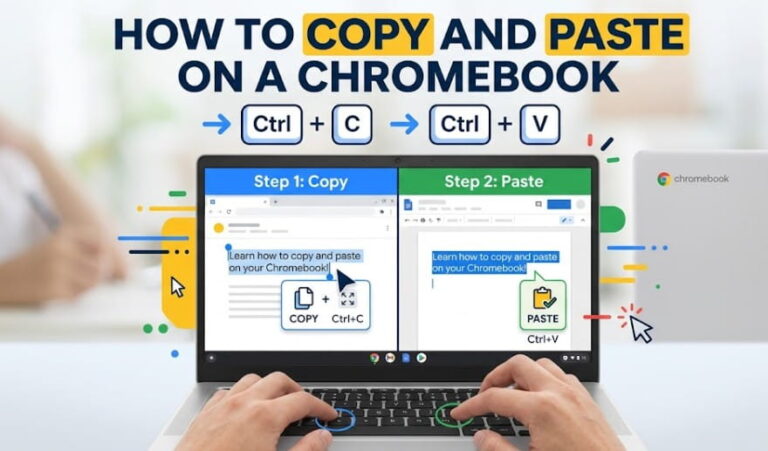
How to Copy and Paste on a Chromebook? The Ultimate UK Guide
To copy and paste on a Chromebook, highlight your content and press Ctrl + C to copy, then Ctrl + V to paste. This straightforward process uses the system clipboard to temporarily store data in the device’s memory, allowing for seamless transfers between web tabs, documents, and local files. Swapping from a standard Windows PC…